
Can a Wix website rank on Google? The honest answer is yes, and we see it happen for clients regularly. Wix handles the technical foundations well. What separates the sites that rank from the ones that do not is the on-page work, most of which you can do yourself. Work through this Wix SEO checklist in order. If you want the official version, Google’s SEO starter guide covers the same foundations straight from the source.
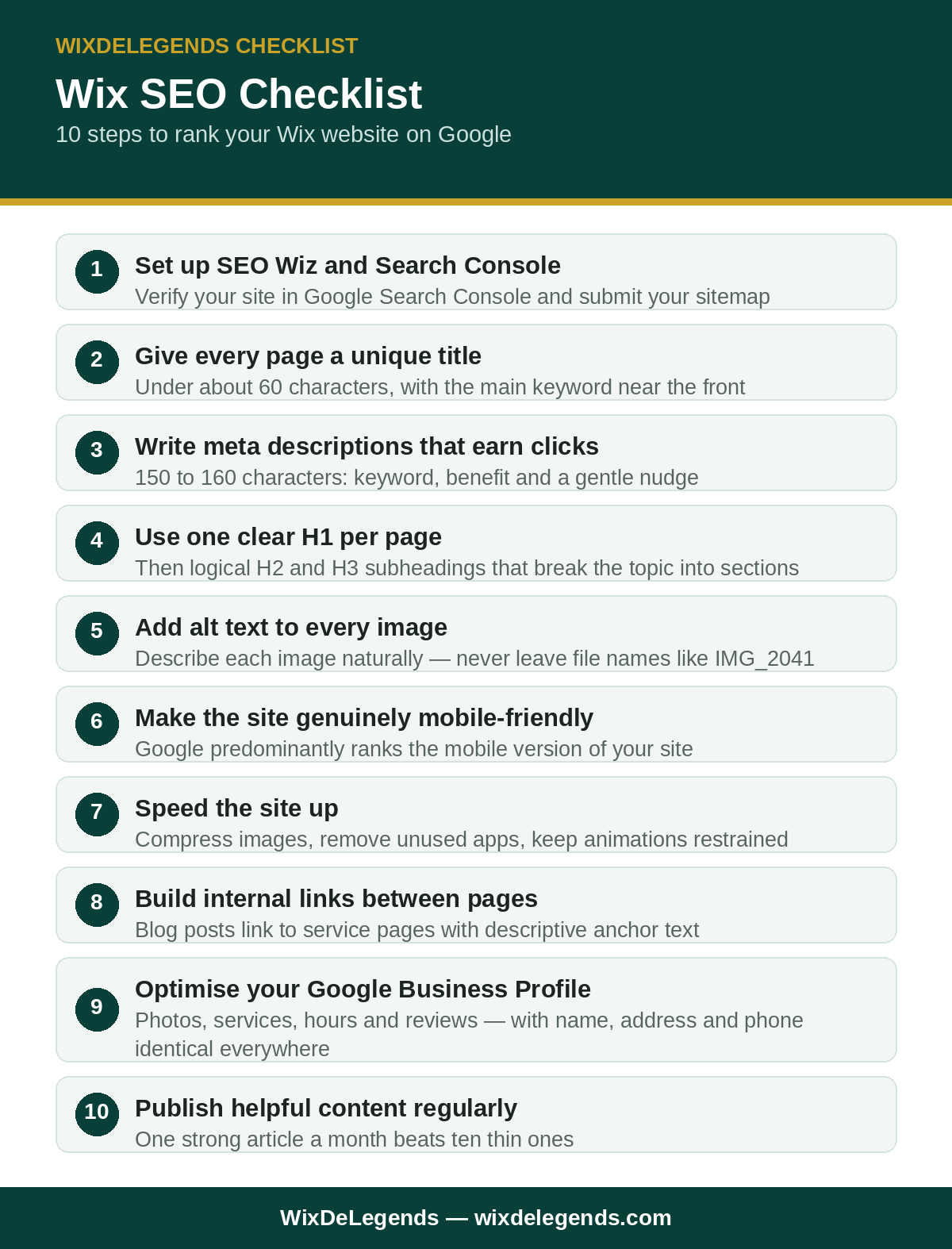
1. Set up SEO Wiz and connect Google Search Console
Start with Wix’s built-in SEO Wiz, which walks you through the basics and connects your site to Google. Then verify the site in Google Search Console and submit your sitemap. Without this step, you are flying blind: Search Console shows you exactly which searches bring visitors and which pages need help.
2. Give every page a unique, descriptive title
The page title is what appears in Google results, and it is the single most influential on-page element. Every page needs its own title under about 60 characters, with the main keyword near the front. “Emergency Plumber in Austin | Fast 24-7 Callouts” will outperform “Home” every time. Never leave the default titles in place.

3. Write a meta description that earns the click
Meta descriptions do not directly boost rankings, but they decide whether anyone clicks your result. Write 150 to 160 characters that include the keyword, state the benefit, and end with a gentle nudge. Think of each one as a tiny advert for the page.
4. Use one clear H1 per page, then logical subheadings
Each page gets exactly one H1 containing its main keyword, then H2s and H3s that break the topic into clear sections. This structure tells Google what the page is about and makes it skimmable for humans. Pages with five H1s or no headings at all confuse both.
5. Add alt text to every image
Google cannot see images, so describe each one in its alt text, naturally including keywords where they fit. “Technician installing a Wix-booked air conditioner in Dallas” beats “IMG_2041” by a mile. This also helps your images appear in Google image search, which brings real traffic.
6. Make the site genuinely mobile-friendly
Google predominantly ranks the mobile version of your site. Overlapping text, tiny buttons and slow mobile pages drag rankings down directly. Fix the mobile experience first, because every other SEO improvement performs better on top of it.

7. Speed the site up
Page speed is a confirmed ranking factor, and it also keeps visitors from bouncing. Compress images, remove unused apps and keep animations restrained. A faster site ranks better and converts better: it is the rare improvement with no downside.
8. Build internal links between your pages
Link related pages to each other with descriptive anchor text. Your blog posts should link to your service pages, and service pages should link to each other where relevant. Internal links help Google discover pages and understand which ones matter most.
9. Claim and optimise your Google Business Profile
For local businesses, this is as important as the website itself. A complete profile with photos, services, hours and reviews puts you in the map results, which many customers check before they ever visit a website. Keep the business name, address and phone number identical everywhere.
10. Publish helpful content regularly
One strong article a month beats ten thin ones. Write about the questions your customers actually ask, in the words they use. Each post is a new chance to rank and a natural way to link back to your services. This is a long game: expect meaningful movement in three to six months, not three days.
What we handle for clients
In our work with 500+ Wix clients, the pattern is always the same: the technical platform is rarely the problem, the on-page basics are. Our Wix SEO service covers the full checklist, from Search Console setup to content structure, so nothing on this list gets skipped. Wix documents its SEO features in the Wix Help Center if you want to work through the list yourself first.

Frequently Asked Questions
Can a Wix website really rank on Google?
Yes. Wix sites rank well when the on-page fundamentals are done properly: good titles, clear headings, fast mobile pages and genuine content. The platform is not the ceiling; the execution is.
How long does Wix SEO take to show results?
Expect early movement in four to eight weeks and meaningful results in three to six months. SEO compounds: the work you do now keeps paying off long after paid ads would have stopped.
Is Wix SEO worse than WordPress SEO?
For most small businesses, no. WordPress offers more advanced control, but Wix covers everything a typical business site needs: titles, headings, sitemaps, structured data and speed tools. What matters is doing the work, not the platform.
Do I need to blog for Wix SEO to work?
Not strictly, but it helps enormously. Each article targets searches your service pages cannot, and gives other sites something worth linking to. Even one helpful post a month makes a visible difference over a year.
Why is my Wix site not showing on Google at all?
Check the basics first: is the site published, is it connected in Search Console, and is there a “hide from search engines” setting switched on by accident? If those are fine, the usual cause is thin content and weak titles, which this checklist fixes.
Want the whole checklist done for you? Get a free quote for a complete Wix SEO setup, done properly from day one.
Pingback: Wix Website Maintenance Checklist: What to Do Every Month – WixDeLegends