
Logo Design for Wix Websites That Makes Your Business Look Established
Visitors judge your business in seconds, and your logo does most of that judging. Our logo design for Wix websites service creates a clean, professional mark plus the colours and fonts around it, so your Wix site looks like a business people can trust from the first screen. You receive ready-to-use files for your website, social profiles and print.
What Good Logo Design for Wix Websites Does for You
A logo is not decoration. It is the shortcut customers use to remember you, recognise you and decide whether you look worth their money.
Instant Credibility With New Visitors
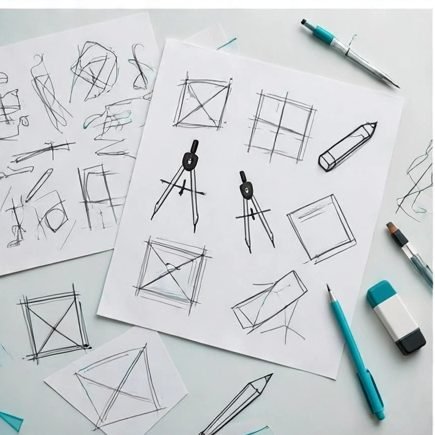
A polished mark tells a first-time visitor your business is real and established, before they read a single word about your services.
Recognition Across Every Channel
The same logo on your Wix header, Instagram profile, invoices and van signage means people spot you faster each time they see you.
A Site That Finally Looks Finished
Blurry, stretched or mismatched logos make even a good website look homemade. A properly made logo sits crisp and balanced on every screen size.
Confidence in Your Own Brand
Owners promote a business more boldly when they are proud of how it looks. Good branding gives you that confidence in every pitch and post.
Everything in Your Branding Package
One package gives you the complete identity kit — not just a logo file, but the rules that keep your brand consistent everywhere.
Primary Logo Design
Your main logo, designed around what your business does and who it serves, presented in clear concepts you can react to and refine.
Logo Variations for Every Use
Light and dark versions, an icon-only mark for favicons and profile pictures, and layouts that fit wide headers and square spaces.
Colour Palette and Font Pairing
A small set of brand colours with codes, plus heading and body fonts matched to Wix, so every page you build stays on-brand automatically.
Files in Every Format You Need
Transparent PNG files for your website, vector files for print and signage, and social-ready squares — organised and named clearly in one folder.
Simple Brand Guide
A one-page guide showing where each logo version belongs, which colours pair together and how much clear space to leave around the mark.
Setup Help Inside Wix
We show you how to place the logo, favicon and brand colours inside your Wix settings, following the steps in the Wix Help Center.
From First Sketch to Final Files
Step 1 — Brand Discovery Chat
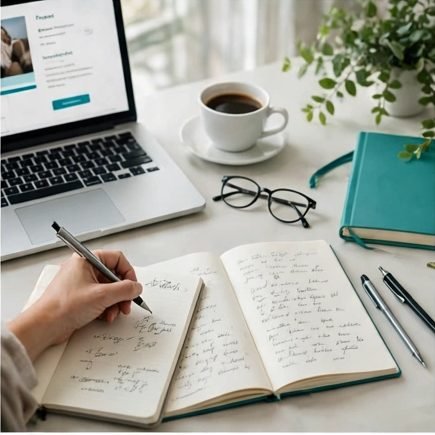
We talk about your business, your customers and the impression you want — modern, traditional, playful or premium — before any design work starts.
Step 2 — Concepts in Your Inbox
You receive a small set of distinct logo directions, each explained in plain words, so choosing feels easy instead of overwhelming.
Step 3 — Refinement Rounds
We adjust the direction you pick — shapes, colours, lettering — in focused rounds until the mark feels unmistakably yours.
Step 4 — Final Files and Guide
You receive the complete file set and brand guide, plus help placing the logo and favicon correctly inside your Wix site.
Branding by Designers Who Build Wix Sites Daily

Most logo designers hand over files and disappear; we spend our days inside Wix headers, footers and mobile menus. In our work with 500+ Wix clients, we have learned exactly how a logo behaves at 40 pixels tall on a phone — and we design for that reality, not just for a presentation board.
Because we work across Wix Studio, the Classic Editor and Harmony, your palette and fonts arrive already matched to what Wix can actually use. Nothing is invented that your site cannot display, and every file is 100% yours to edit, print and reuse forever.
Logo and Branding Questions, Answered
Usually, yes — blurriness almost always means the file itself is too small, the wrong format, or stretched into a space it was never made for. If your original artwork is usable, we prepare correctly sized files and place them properly. If only a tiny low-quality copy survives, a refresh redraws it cleanly at any size, so it stays sharp on a phone header and a shop sign alike.
Yes. A refresh keeps the idea your customers recognise and fixes what dates it — spacing, colours, low-quality files. Many owners choose this when the business has outgrown its first DIY logo.
Completely. The final files and full usage rights are yours — website, print, signage, merchandise. We keep nothing back and charge no licence or royalty fees later.
You can. Tell us what you need and we will quote for exactly that. Most clients take the colour palette, fonts and file set as well, because a logo alone does not keep a brand consistent across a website, social profiles and print — but the choice is yours, and we will never pad a quote with pieces you did not ask for.
Then we change direction, not just details. Your feedback tells us what felt wrong — too corporate, too playful, too plain — and the next round answers that directly before we refine anything.
Transparent PNG files for everyday web use, SVG and PDF vectors for print and large sizes, and square versions sized for social profiles. Everything arrives in one clearly named folder.
Yes, and that is usually the smartest order: brand first, then apply the palette and fonts across your pages. If your site needs it, we can handle that redesign as a follow-on project.
Put Your New Brand to Work
 Wix Design & Redesign
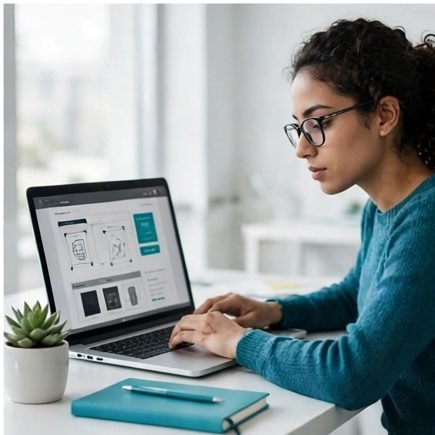
Apply your new identity across a full website build or redesign, page by page, without losing the look you just approved.
 Landing Page Design
Campaign pages that carry your branding perfectly, so every ad click lands somewhere that looks and feels like you.
 Content Writing & Copywriting
Brand voice matters as much as brand visuals — copy written in the tone your new identity promises your customers.
Ready to Look Like the Business You Are?
Tell us about your business and the impression you want to make. Your new logo and branding kit is closer than you think — get a free quote today.
Start My Branding